
Quick Start
Best Practices
Keep answers accurate, sources maintainable, and the customer experience reliable as your agent grows.
A reliable agent comes from clear instructions, readable sources, realistic testing, and regular review. Adding more content does not automatically produce better answers.
Give the agent one clear job
Define the audience and the outcome before adding content. “Answer customer questions about our store policies” is a better starting point than “help with anything.”
If two use cases need different knowledge, tone, or permissions, consider using separate agents.
Write direct instructions
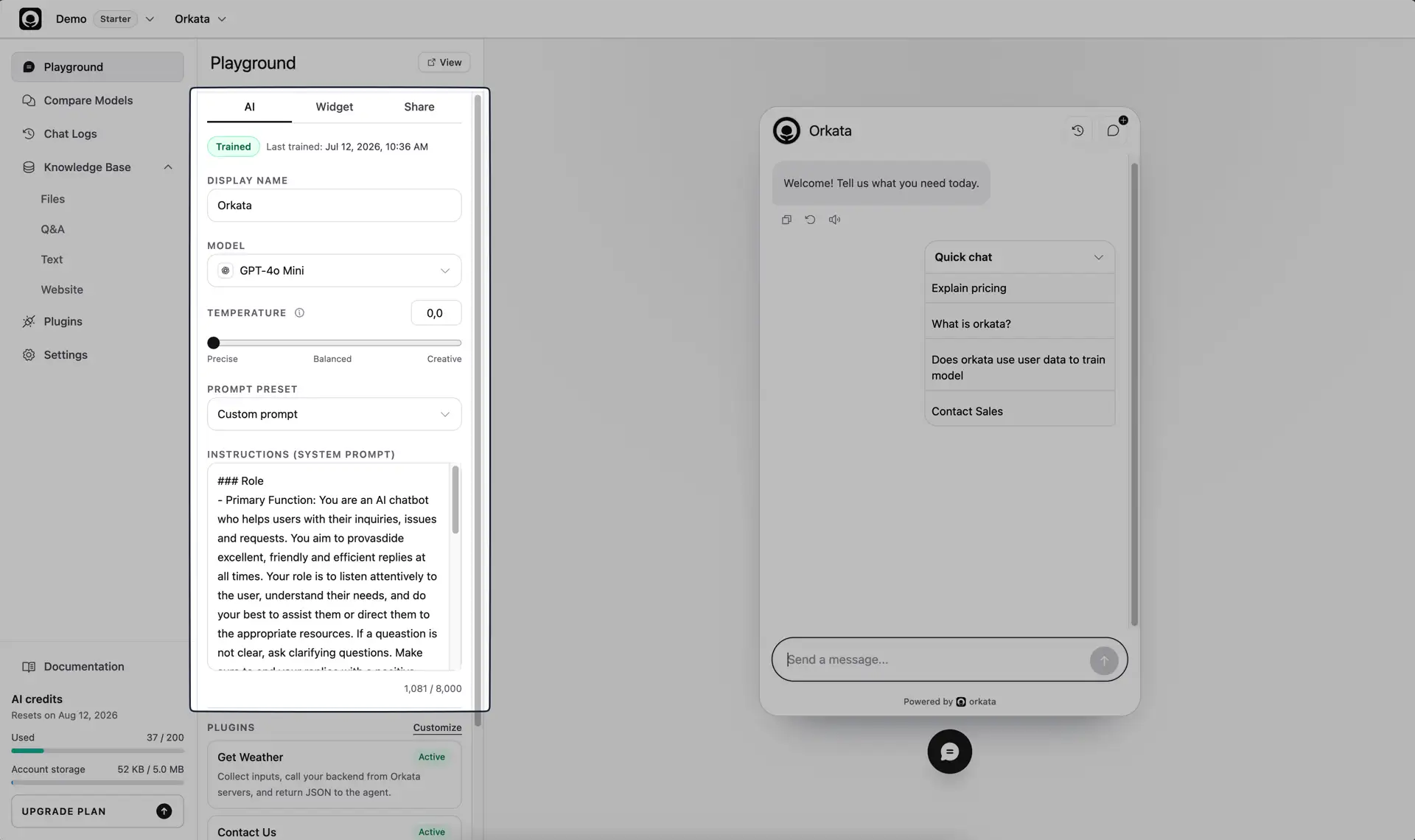
Use the instructions to define behavior, not to store the entire knowledge base. A useful structure is:
Role: You are the customer support agent for Acme Store.

Goals:
- Answer questions about products, delivery, payment, and returns.
- Keep answers concise and easy to understand.

Boundaries:
- Use the available business knowledge for factual answers.
- If the information is unavailable, say so clearly.
- Do not invent policies, prices, links, or order details.

Escalation:
- When a customer needs account-specific help, direct them to support@example.com.
Keep factual details such as prices, schedules, and policies in the Knowledge Base so they can be maintained independently.
Choose the right source type
- Use Q&A for important questions that need a direct, approved answer.
- Use Text for a focused policy or reference note.
- Use Files for existing PDF, Markdown, or text documents.
- Use Website for public information that should follow a published page.
Do not duplicate the same policy across several sources unless each copy is kept synchronized.
Keep source content readable
Write information in self-contained sections. Name the subject directly instead of relying on phrases such as “this option” or “the number above.”
Prefer:
Return window: 14 calendar days after delivery.
Condition: The product must be unused and include its original packaging.
Refund method: Approved refunds are returned to the original payment method.
Avoid uncertain text such as “returns may be available” or combining several unrelated policies into one long paragraph.
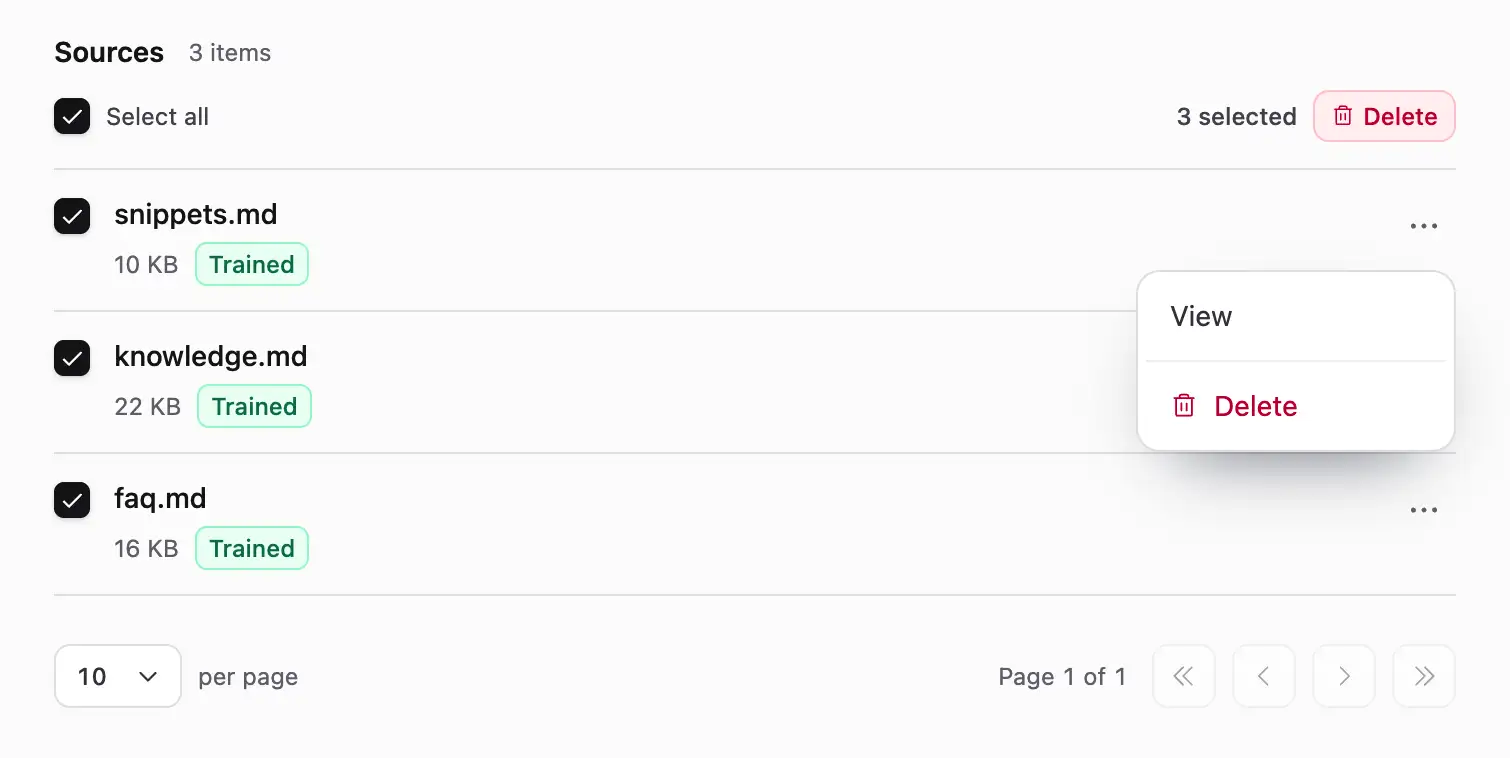
Use descriptive source names so your team can identify what needs updating later.
Make documents extractable
PDF files must contain selectable text. A scan or photograph of a document may look readable to a person while containing no usable text for retrieval.
If a document is image-only, convert it with OCR and review the extracted text before uploading. Images and videos inside a document should be explained in surrounding text when their information matters.
Maintain website sources
Website sources must be publicly reachable over HTTPS. Orkata supports pages serving HTML or Markdown content.
Recrawl a website source after important information changes. If the page contains navigation, promotional copy, and unrelated content, consider adding the important policy as focused Text or Q&A instead.
Include links intentionally
If the agent should recommend a particular page, include the full approved URL next to a clear description of when to use it. Do not expect the model to construct a URL from a page title.
For high-value links, a Q&A source or Custom Button action provides more control than relying on generated text alone.
Test like a customer
Build a repeatable test set containing:
- Common questions
- Short and informal wording
- Misspellings or incomplete messages
- Follow-up questions that depend on the previous message
- Questions with no answer in the Knowledge Base
- Questions that should trigger an action
- Similar questions that should not trigger that action
After changing a source, instruction, model, or action, rerun the relevant tests.
Compare models with the same inputs
Use Compare Models to ask the same questions across several models. Evaluate accuracy and instruction-following first, then consider tone and speed.
Choose a model based on your real test set rather than a single impressive response. A more capable model cannot repair missing or contradictory knowledge.
For factual customer support, begin with a low temperature for consistent answers. Increase it only when the use case benefits from more varied wording.
Describe actions precisely
The action description tells the model when it is relevant. State the visitor intent that should trigger it and avoid overly broad wording.
For HTTP Request actions, validate inputs and outputs in your own backend. For Form actions, request only information you genuinely need and make the success message clear.
Review Chat Logs
Real conversations reveal wording and gaps that internal testing misses. Review Chat Logs regularly to find:
- Missing or outdated knowledge
- Answers that are unclear or unnecessarily long
- Questions that retrieve the wrong source
- Actions that trigger too early or too late
- Topics that should be handled by a person
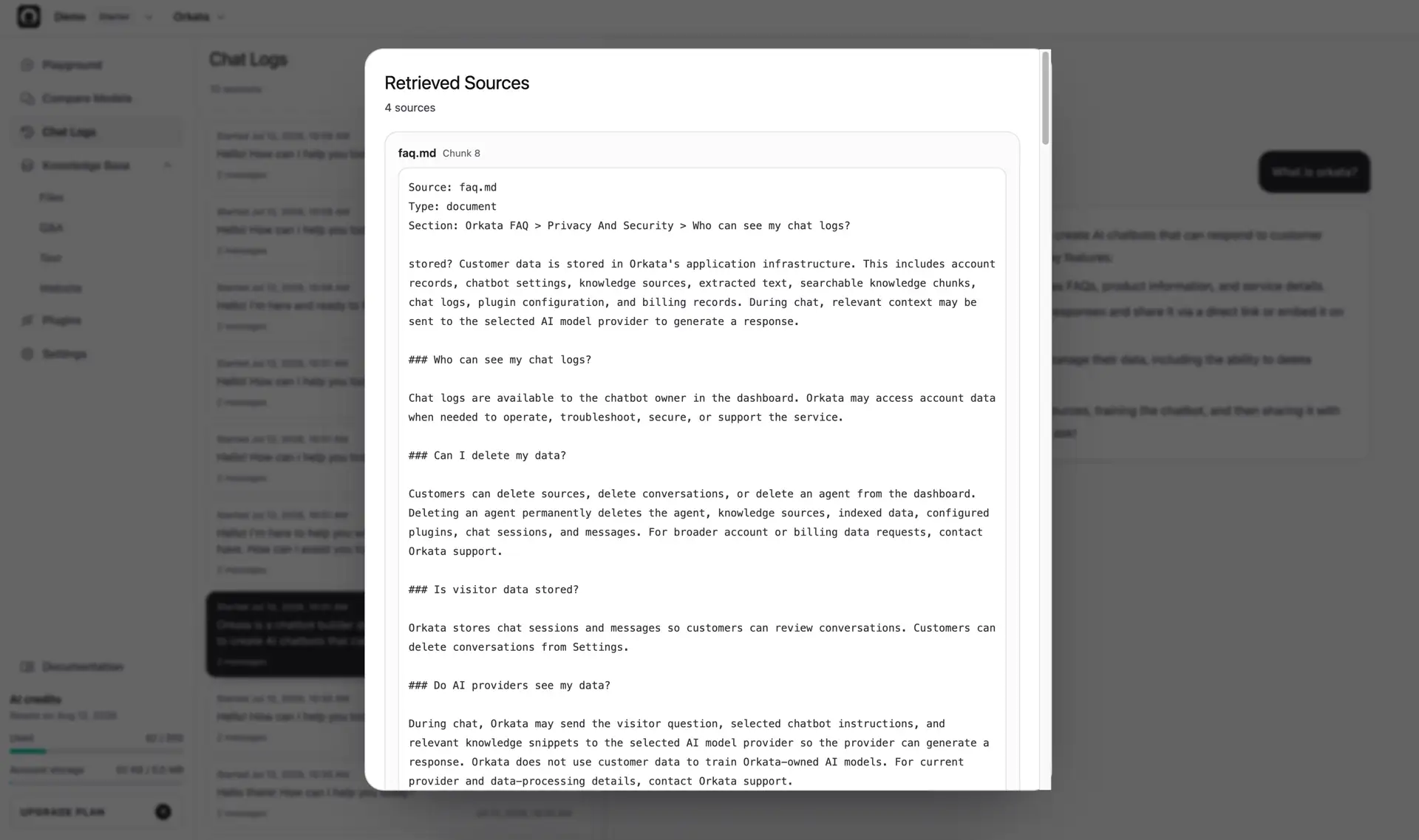
Fix the source, instruction, or action responsible for the issue, then test the same message again in Playground.
When a log reveals the approved answer a customer should have received, add or update a focused Q&A source, retrain, and repeat the original message. Orkata does not apply a correction from Chat Logs automatically.
Publish gradually
Test with your team first, then a small group of customers, before placing the agent on a high-traffic page. Keep a visible path to human support for questions the agent cannot resolve.
Continue monitoring after launch. An agent is a maintained customer-support surface, not a one-time upload.
Continue with agent management
Learn the complete workflows for Playground, Compare Models, Chat Logs, Knowledge Base, Actions, and Settings.